|
Getting your Trinity Audio player ready...
|
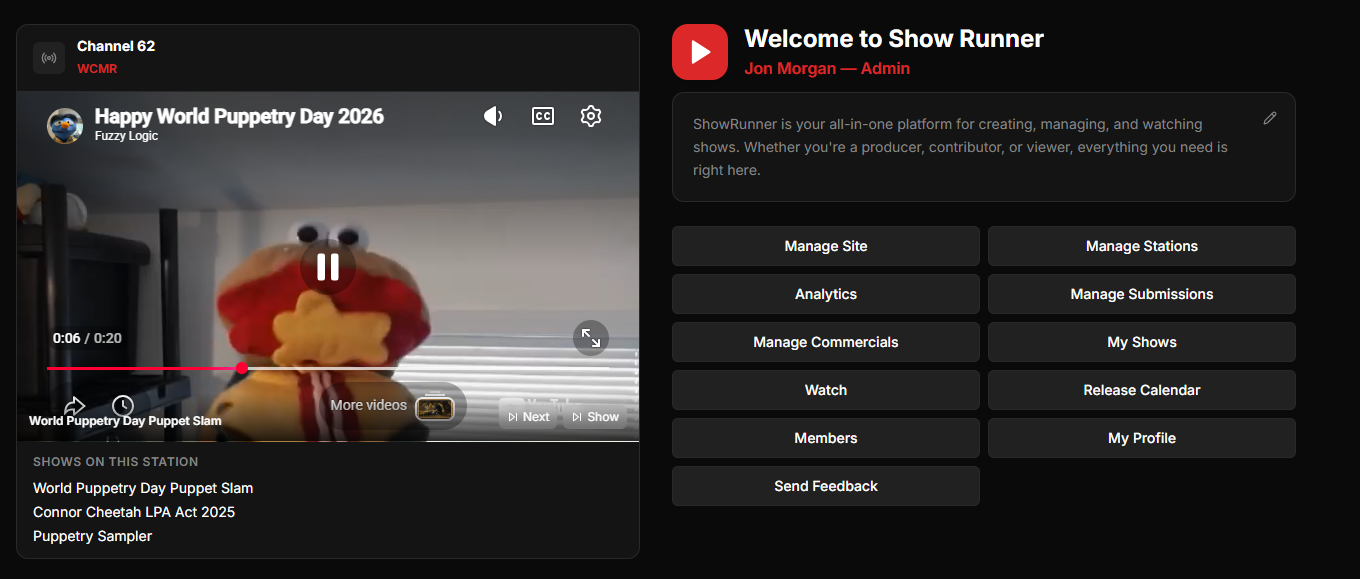
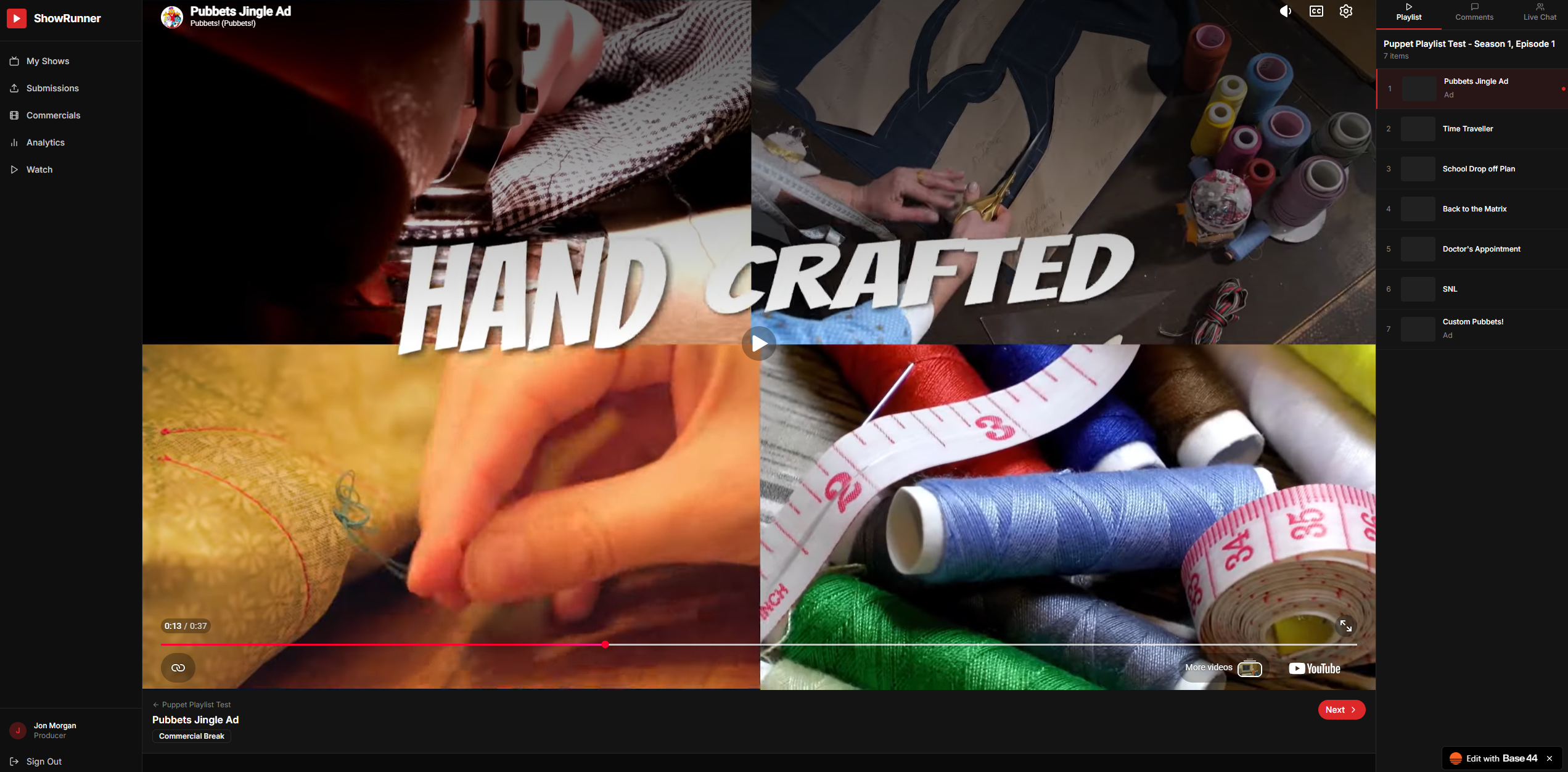
I’d like to take a few minutes to talk about the experience of watching a show on Show Runner. In the image above, you can see that the first video in the show’s playlist is playing. This happens to be a commercial. Commercials can be set to insert into the shows at different intervals. Producers can choose to run them at the beginning, at the ending, or after a certain number of videos have played.
When a video finishes playing, the user can click on the “Next” button to advance to the next video in the playlist, or they can click on the video in the list. It is possible to select the video you want to play, making it easy to leave and then come back and resume where you left off.
Along the top of the right hand sidebar, there are two options next to the Playlist. Click “Comments” to leave a comment, or click on “Live Chat” to chat with other users who are currently watching the same video. Your messages can be seen in the history on those two tabs.